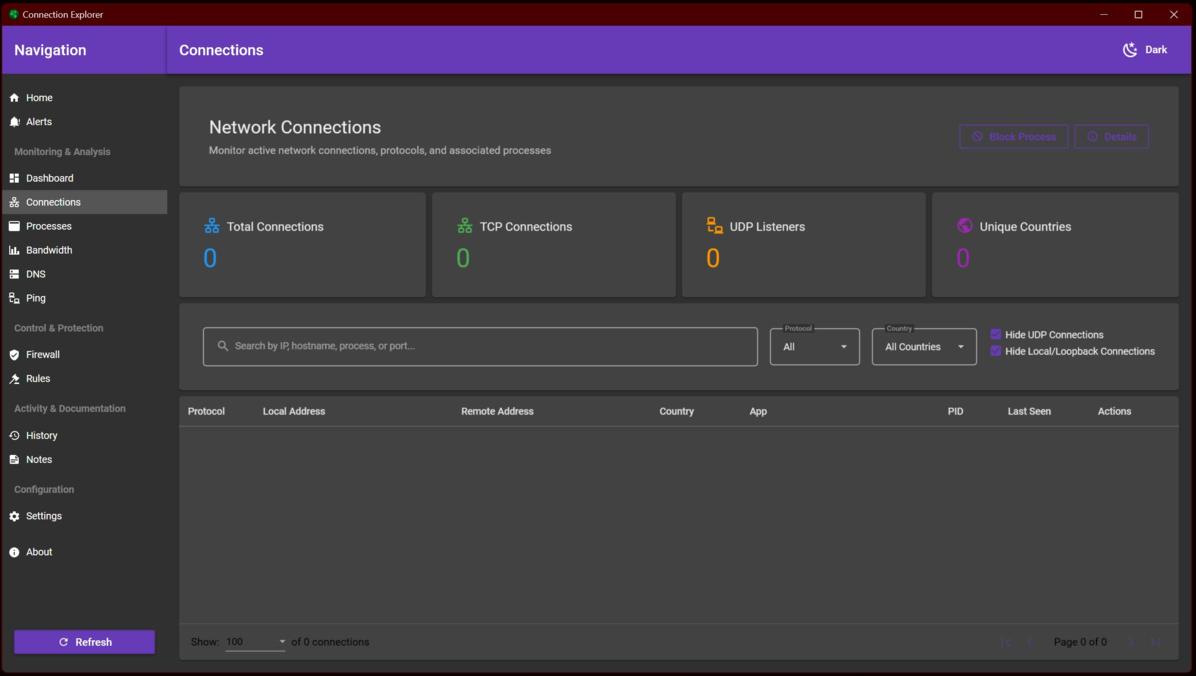
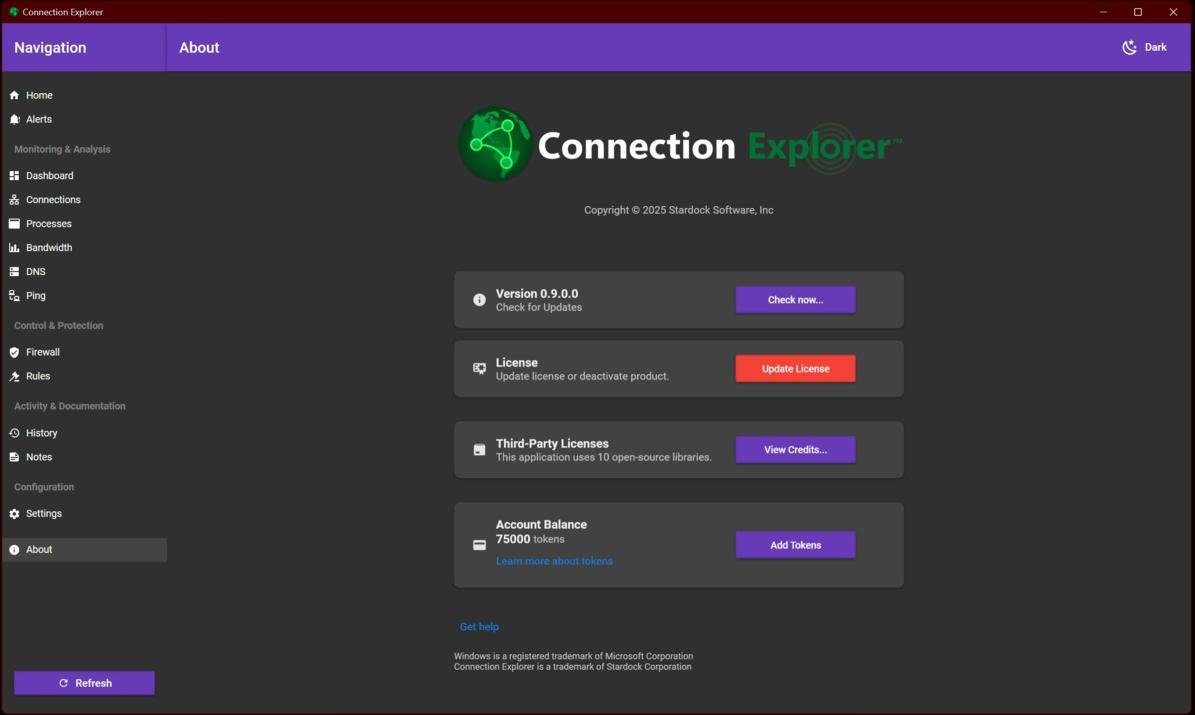
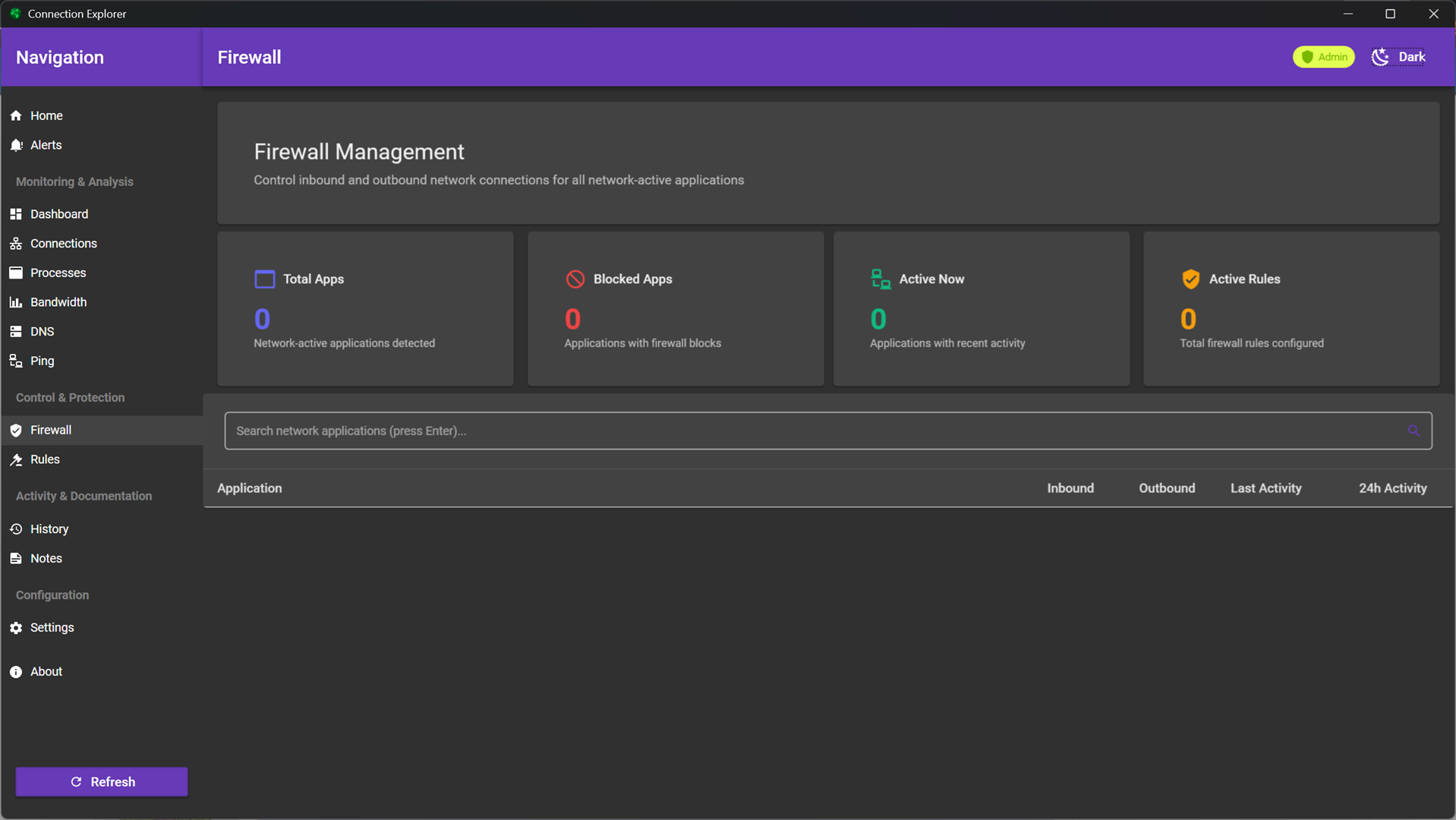
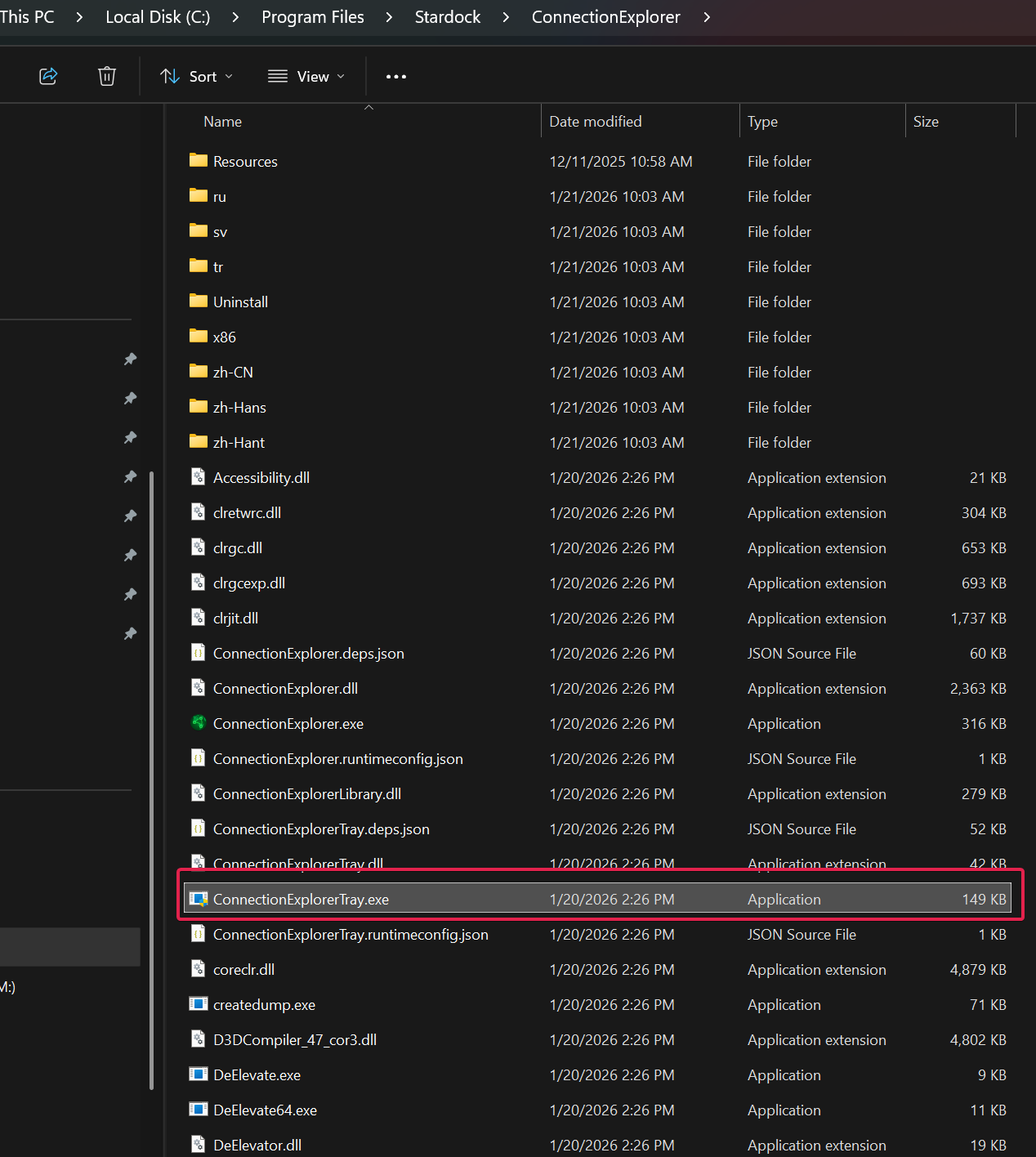
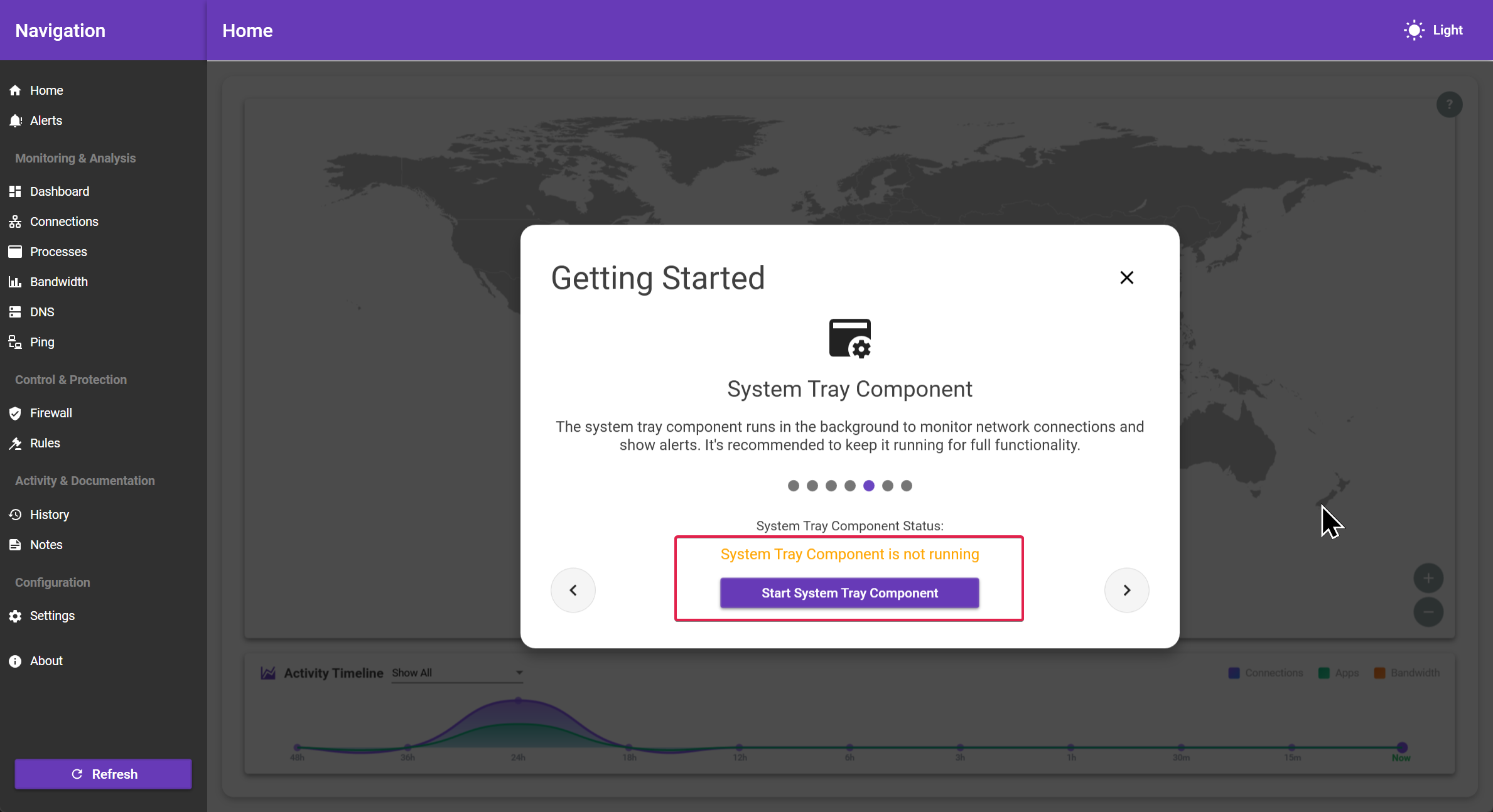
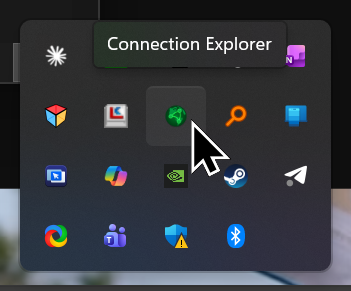
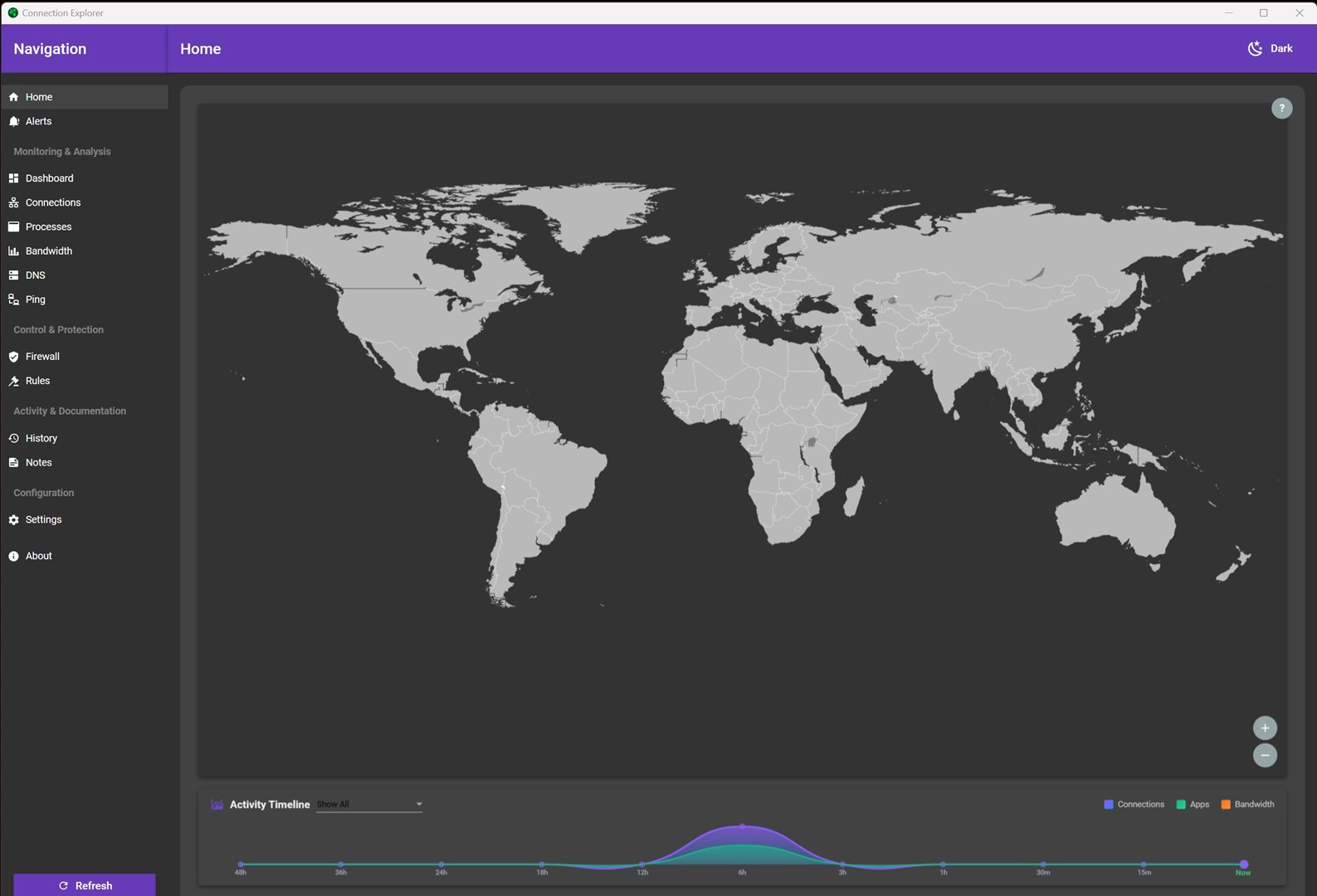
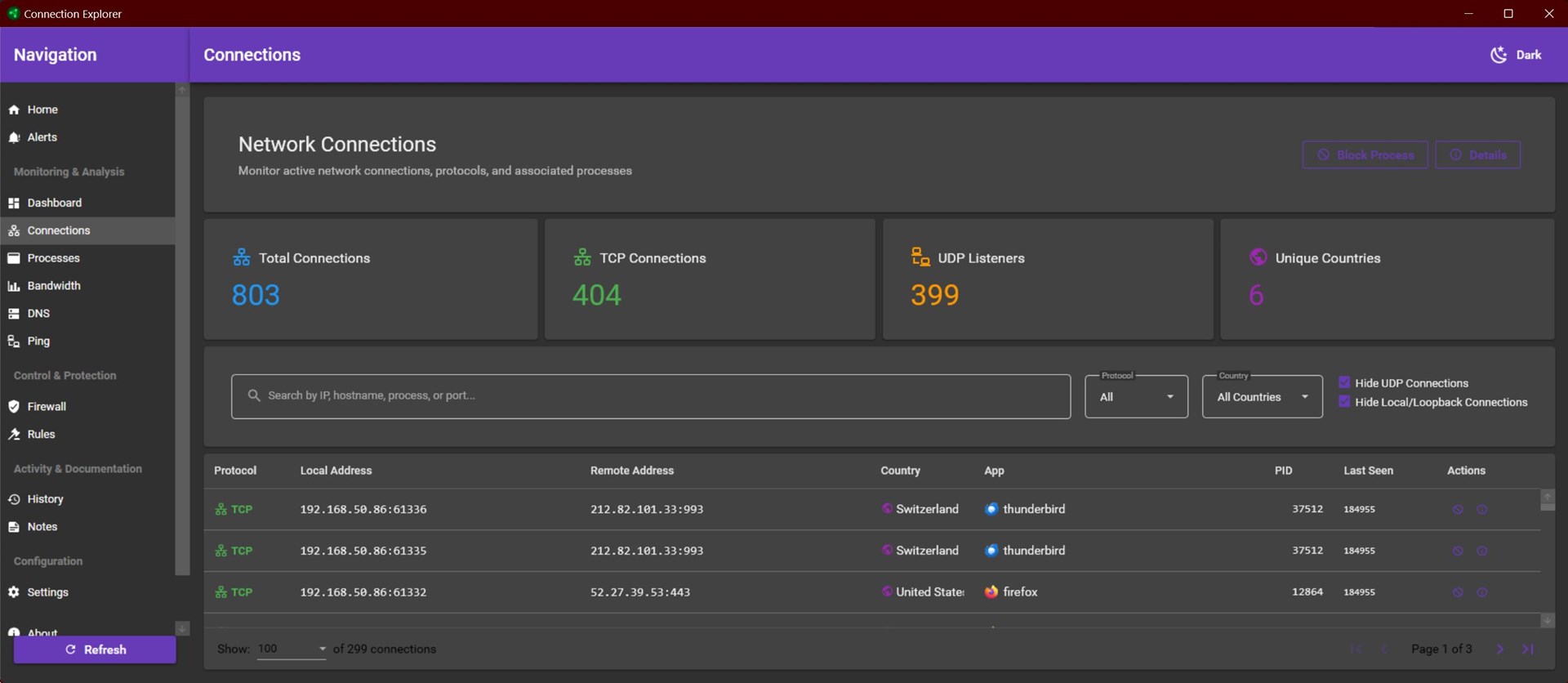
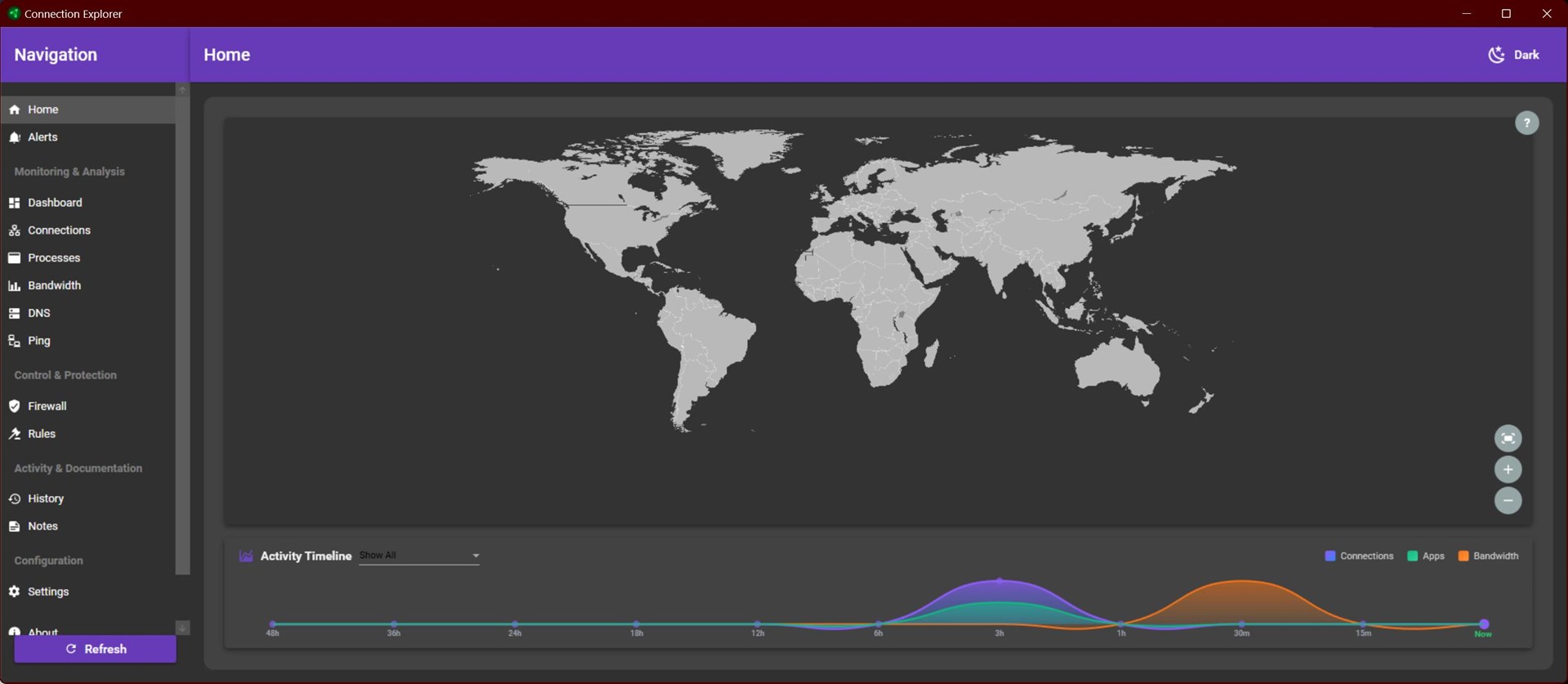
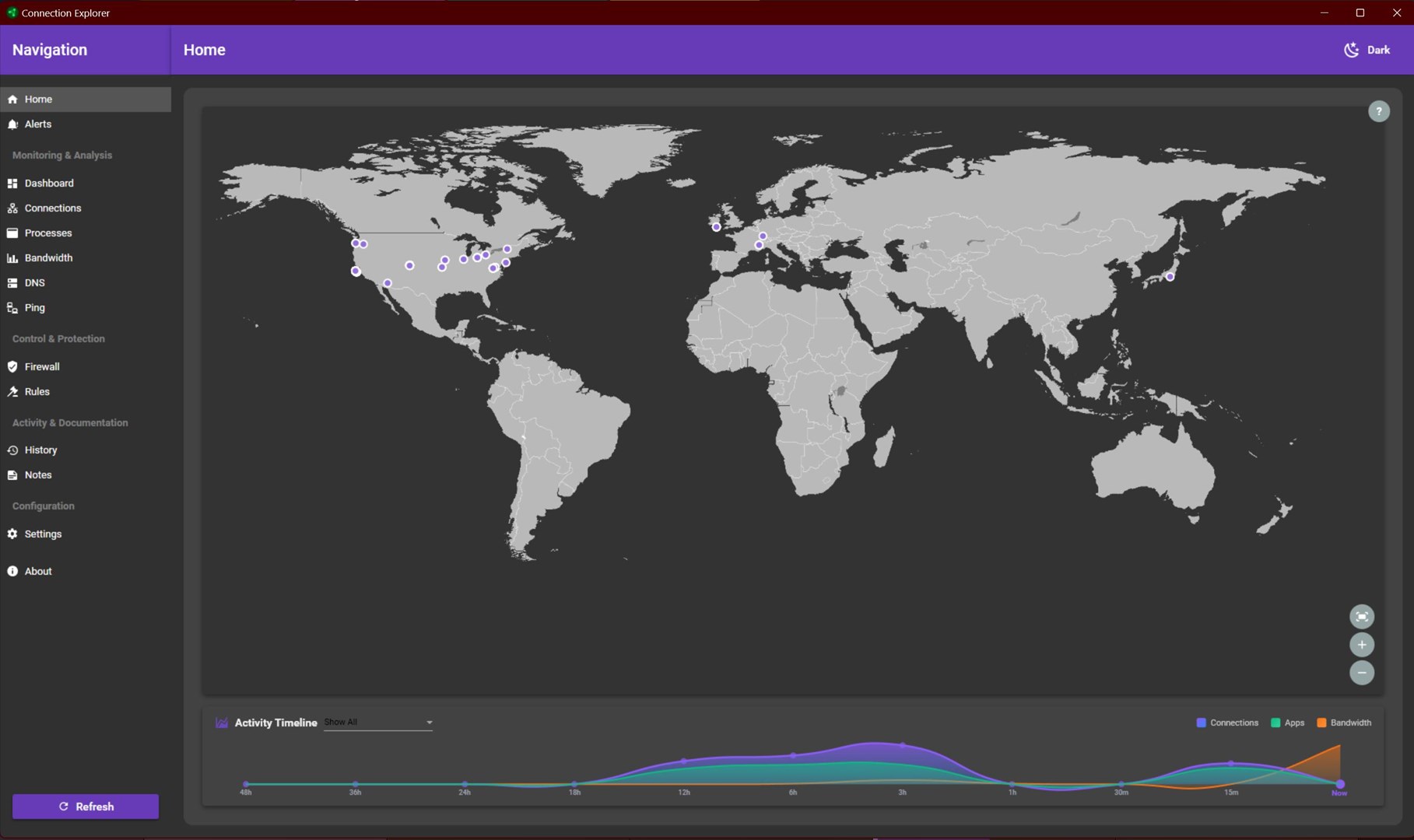
I was able to start the system tray component. The connections appeared, and after a period of about 10 minutes, the connections were shown on the Home tab map.
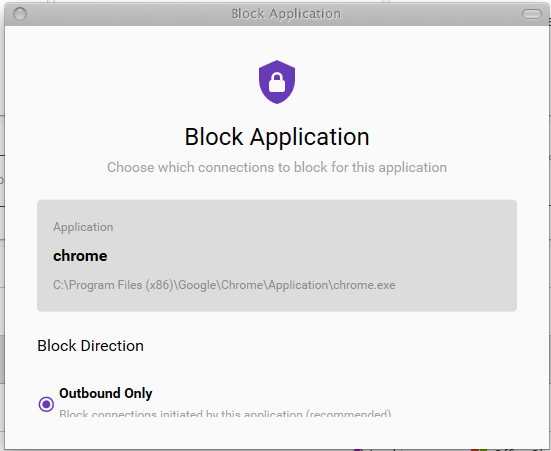
I then exited the application, waited a few minutes, and then relaunched it. When I did, it started without starting the tray component, and without notifying me that the tray component was not running, and without showing the system tray component screen you show above.
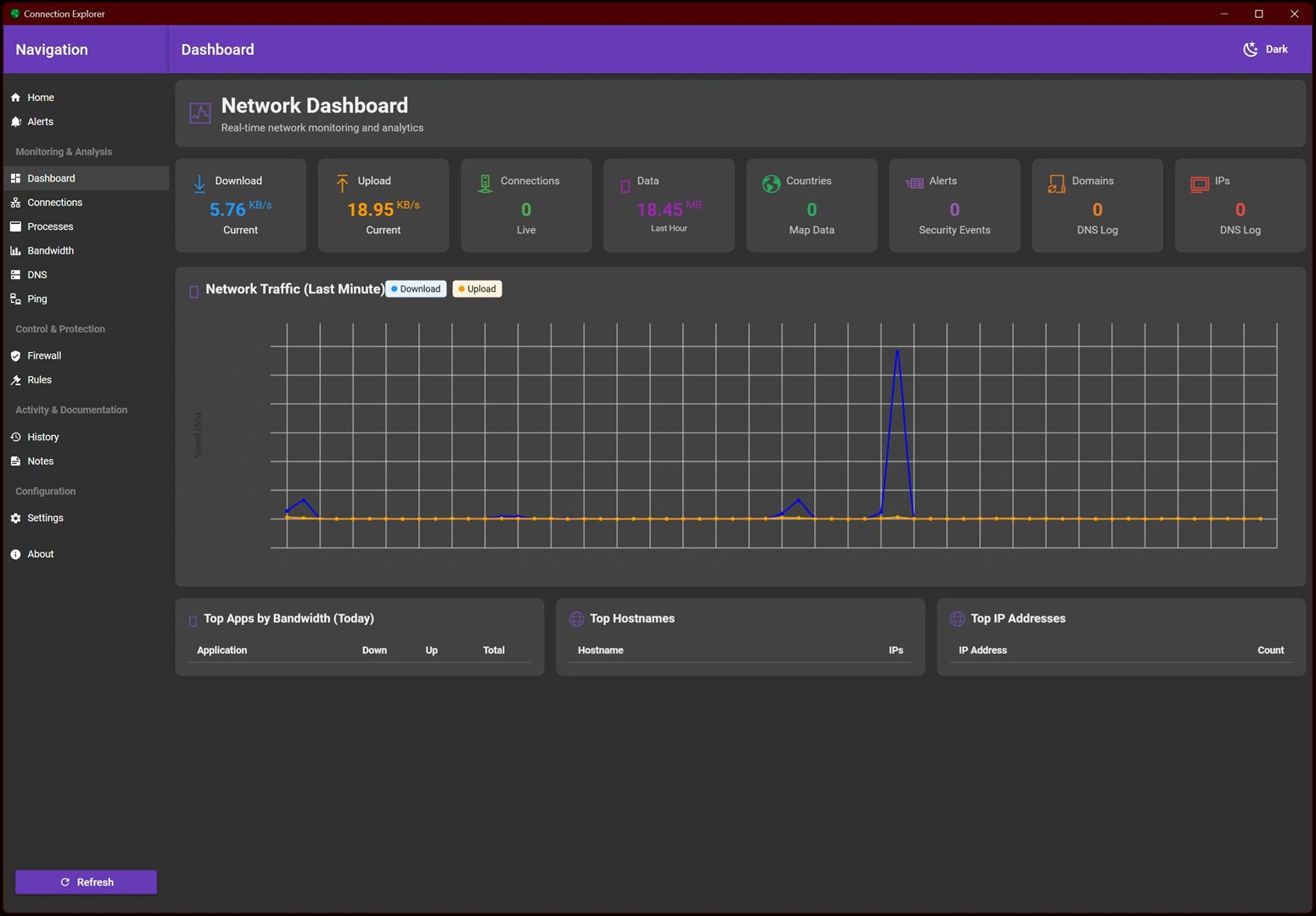
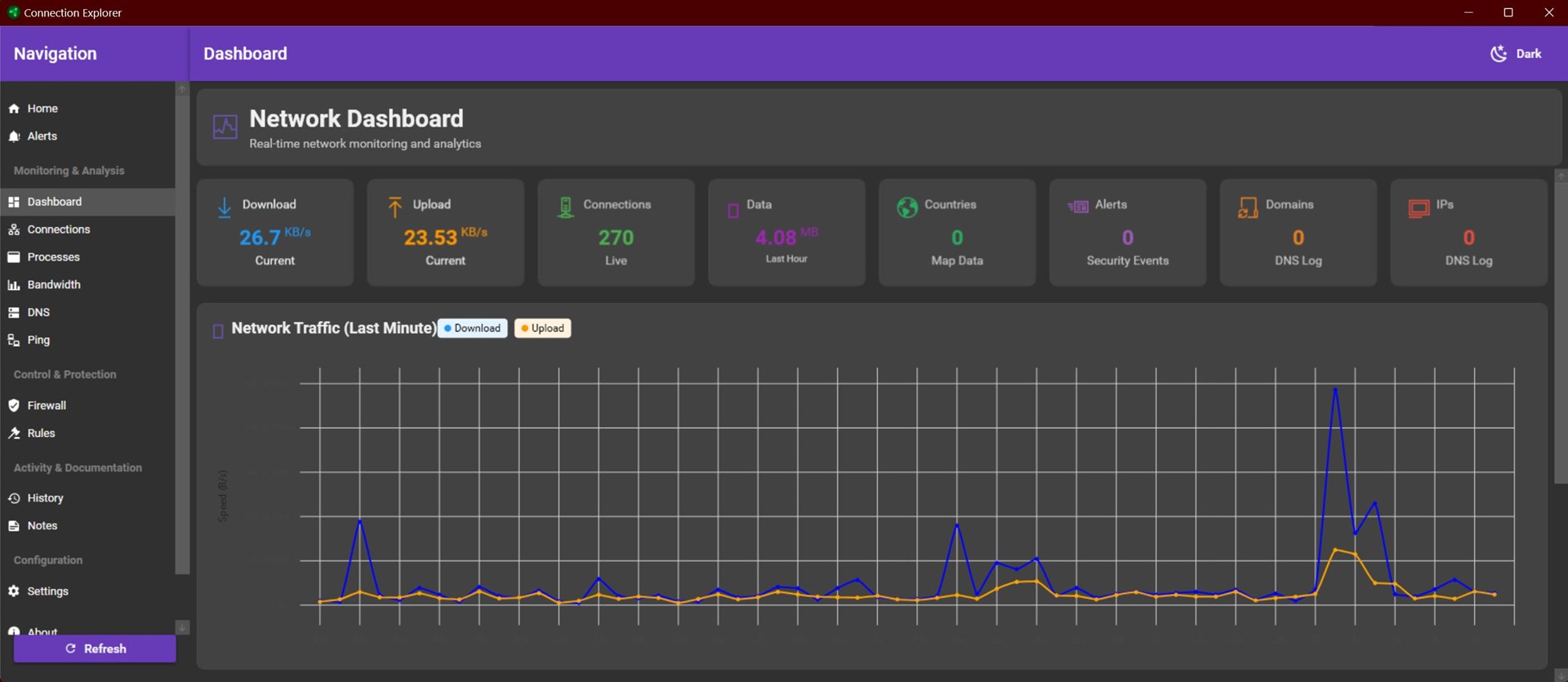
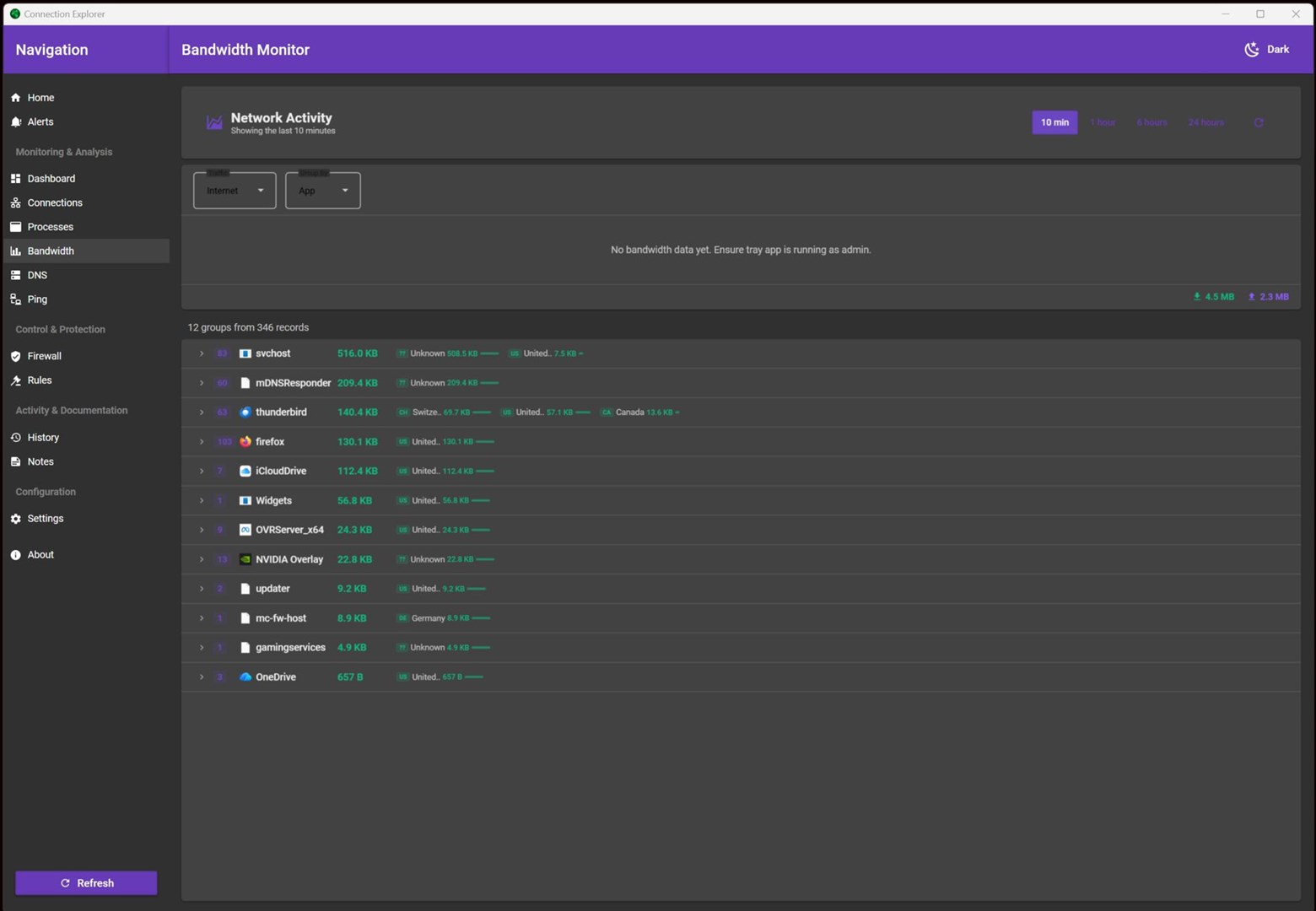
Next, I started the tray component manually. The connections appeared, and the connections were shown on the Home tab map. However, the Bandwidth tab stated "No bandwidth data yet. Ensure tray app is running as admin."
So I exited the application, verified that both it and the tray component had shut down, and restarted the application.
Again the application started without starting the tray component. I then started the tray component as Admin. The connections appeared, and the connections were shown on the Home tab map. However, the Bandwidth tab still stated no data.
I left the application and tray component running, and returned to check on it after an hour or so. There was still no bandwidth data.

 Stardock Forums