Fences 7 Beta 1 Now Available for Object Desktop Users to Test
 Stardock Forums
Hi All,
We are preparing to release Fences 7 and would love your help testing early features as we finalize this update over the coming weeks.
This beta requires an Object Desktop license at this time. If you do not have one, you can sign up here. Fences 7 will be made available for standalone purchase once the beta period is complete.
To download the beta, you can do so from Object Desktop Manager, or directly from your account page here under product downloads. Once installed, these are the areas of focus for this update:
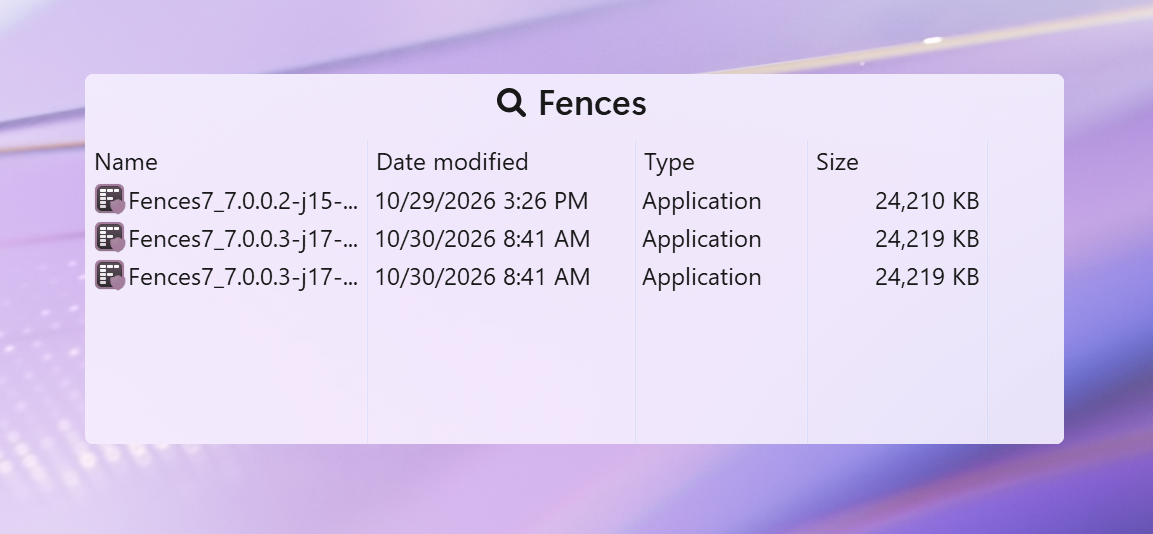
- Live Filtering & Search within Folder Portals.
- On a folder portal, click the magnifying glass, or choose "Search & filter" from the group's menu.
- New Windows 11 'Mica' material support, including new Light Mode, Dark Mode and system theme matching.
- In the config menu ->personalization -> Match system light/dark/auto.
- Improvements to layout management, including multi-group selection and moving.
- On the desktop, drag a box around multiple fence groups and move them all at once.
- Single Click to Open, Navigate to Root, “List” style portals, hide cloud sync indicators, and other app refinements and improvements.
How to provide feedback: We welcome feedback, and for those experiencing issues, the easiest way to fix will be for us to be able to reproduce it in our labs. When sending reports, please provide the steps taken to create the scenario, and also provide a screenshot. Where relevant, system logs can be uploaded using the app, in About.
For current Fences customers – we will be continuing to actively support both Fences 5 and Fences 6 as we have, with continued fixes, compatibility updates and other refinements. For anyone who purchased Fences since Sept 1st onward, a complimentary upgrade to Fences 7 will be provided once the application is released.