Multiplicity 4 Pro Seamless Display Glitch
Disconnects and display become lost in limbo
 Stardock Forums
Hey everyone,
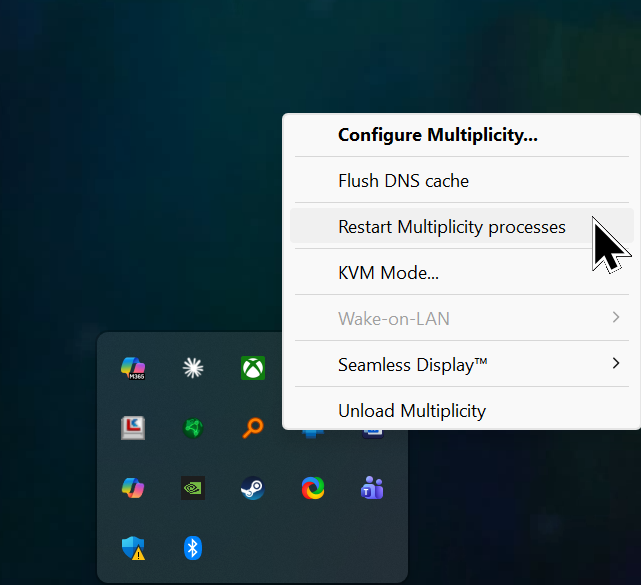
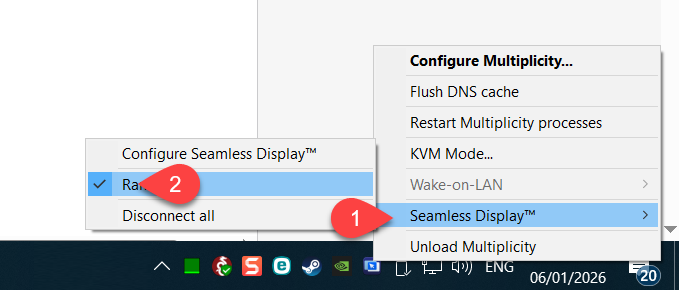
I've been using Multiplicity 4 Pro primarily for the Seamless Display feature, turning my old laptop into a second extended display for my desktop PC. Both are on the same Gigabit LAN switch via cable (laptop always on when desktop is), but it glitches out very frequently, at least once a day: the laptop suddenly shows its own empty desktop instead of the extended PC display. Moving the mouse to the laptop screen goes into a "hidden" invisible screen in between—clicking there triggers audio like YouTube starting/stopping, and dragging windows (guessing where the title bar is) works and moves back the window to the main PC but the laptop doesn't show anything. Continue to move beyond the "invisible" display the mouse reaches the laptop (KVM feature of MP). I have to disable/re-enable Seamless Display multiple times to get it working again.
I bought the Pro specifically for this.
My setup is:
- Desktop (Primary): Windows 10 latest updates (ESU), Multiplicity 4 Pro latest via steam.
- Laptop (Secondary): Windows 10 laptop, connected via Ethernet to same switch.
- No WiFi involved, stable gigabit network.
How can I try to find the reason for this behaviour? any debugging functions or logs I can check.
Moved to Multiplicity area